Game · 2024
Inventory System Plugin
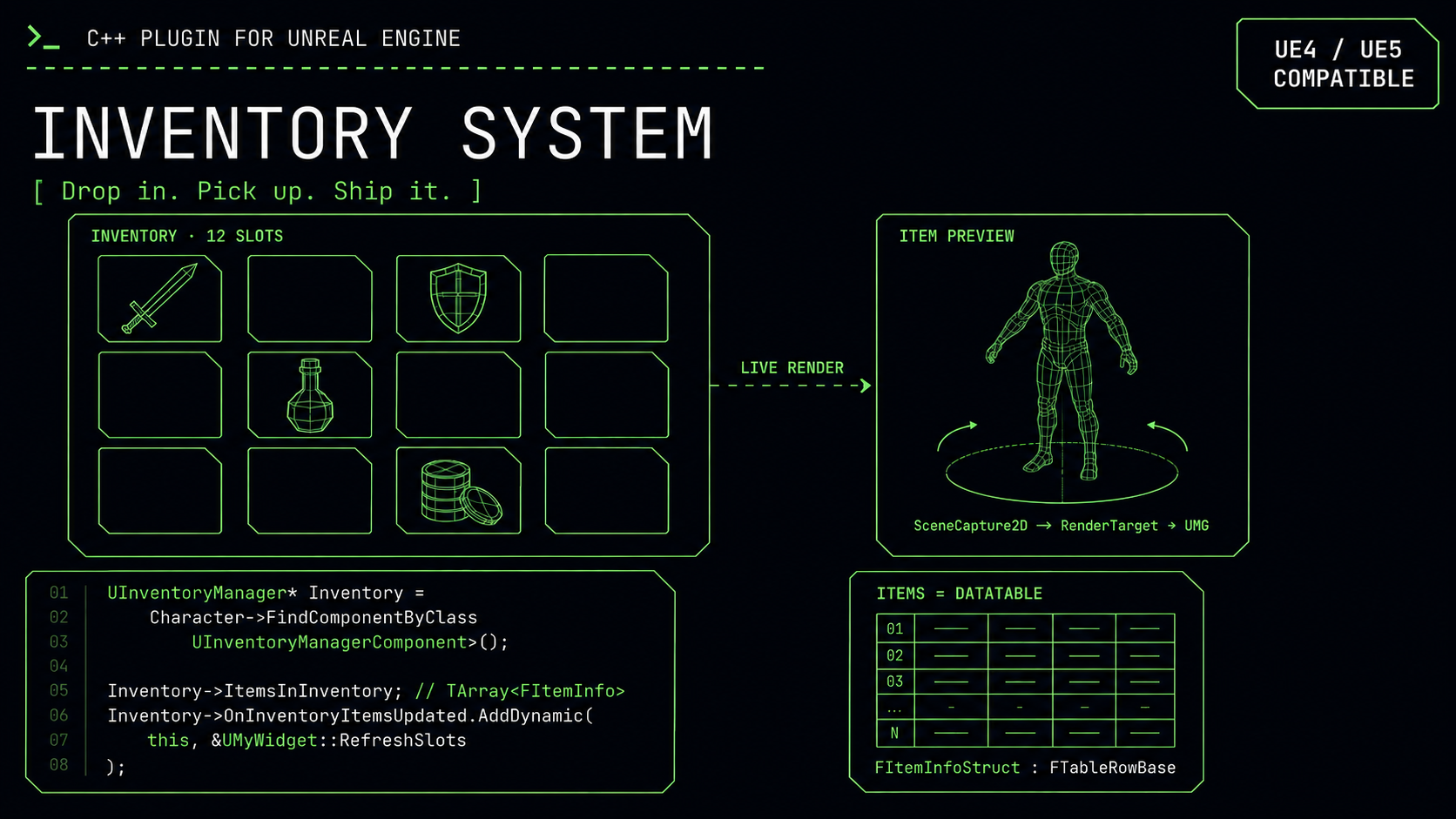
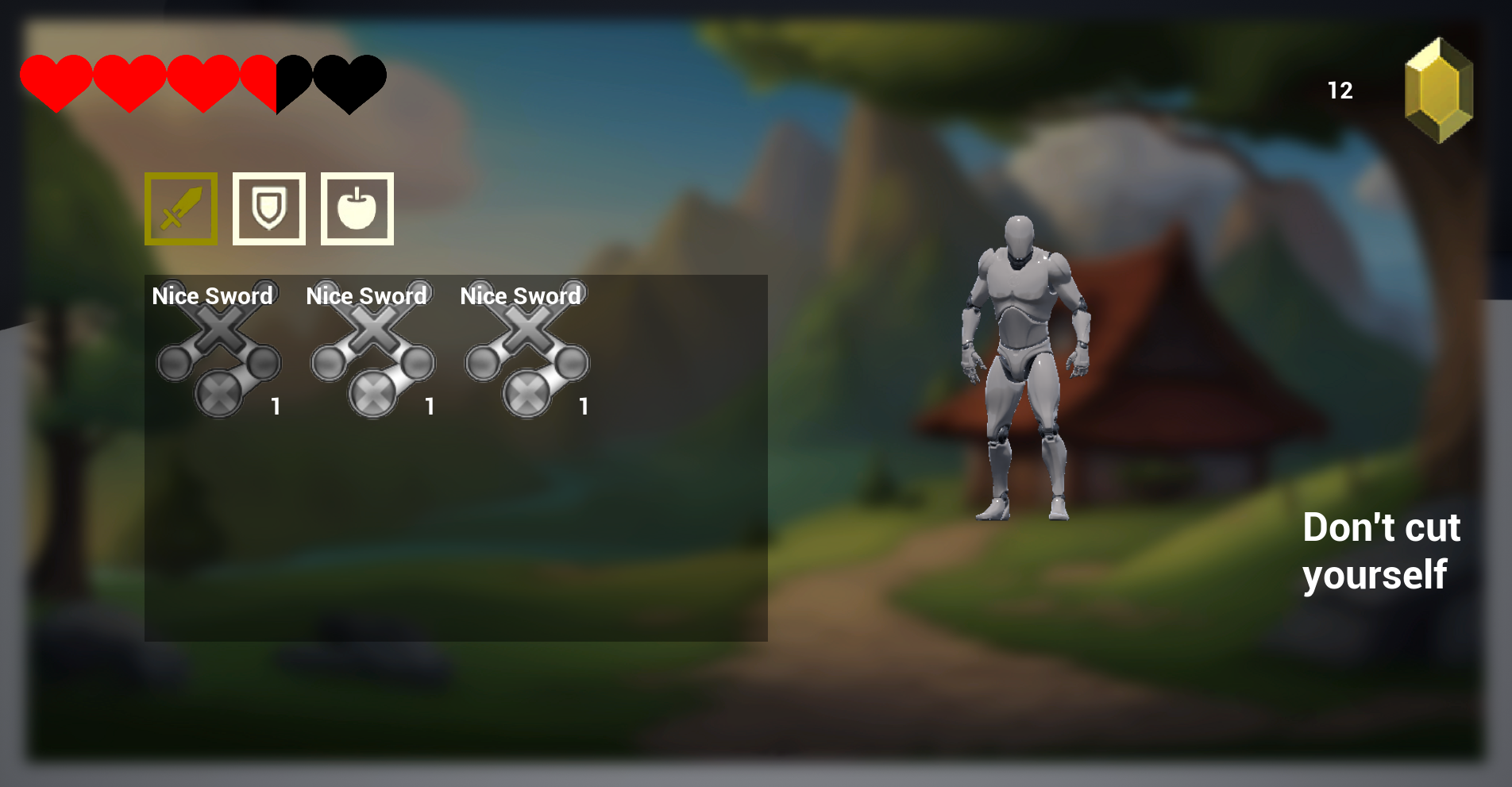
A drag-and-drop Unreal Engine 5 inventory plugin. One component on your character, a DataTable of items, and you have a working RPG inventory, pickup, drop, stack, equip, consume, and live 3D previews of items rendered right in the UI.
Most inventory systems on the marketplace assume too much about the host project. They want you to inherit from a custom character, configure a tangle of manager classes, and rewrite half your input layer. This plugin is built to be the opposite: add the inventory manager component to any character, point it at your widget classes, and it works.
Items are data, not code. Everything that defines an item, name, mesh, icon, stack size, category, power, is a struct that inherits from Unreal's table-row base, so users define their entire item catalogue in a DataTable inside the editor without touching C++. Three categories ship with the plugin (weapon, shield, consumable), each routed to different behaviour on use: consumables heal and decrement the stack, equipment swaps a mesh onto a pre-configured character socket. Per-category slot accounting handles stack sizes correctly across mixed inventories.
The standout feature is live 3D item previews. Rather than maintaining baked thumbnail images, the plugin attaches a scene-capture component to the owning character at runtime, set to orthographic projection, and renders it into a texture render target that the inventory widget samples in real time. The result is items shown as actual 3D models, lit by the real scene, with no thumbnail assets to create or keep in sync.
Pickup detection is automatic. Each tick the component sweeps a forward capsule trace, and when a pickup actor is in range the interaction widget appears with the item's information, requiring no binding on the player's end. The entire API is BlueprintCallable, and a multicast delegate fires on every inventory change so consumers can drive their own UI without subclassing anything.
Key challenges
The live 3D preview was the most interesting problem. Inventory icons are almost always flat sprites because rendering real geometry into a UI is fiddly. You need a capture component positioned and projected correctly, a render target of the right resolution piped into a UMG material, and it all has to update without tanking performance. Solving it cleanly, so the consumer gets rotating 3D items in their slots for free, is what differentiates this from the flat-icon inventories that flood the marketplace. The second challenge was the drop-in contract: making the component genuinely host-project-agnostic meant resisting every temptation to require a custom base class, and pushing all configuration into a DataTable so the plugin's value is "install and define items" rather than "install and rewrite your character."