Web & mobile · 2020
Kiosk Mode App
An Android kiosk-mode application that locks a tablet down to a single web page in a webview, defeating every standard Android escape route, with a password-protected admin panel for configuration. Built for in-store displays, point-of-sale, and digital signage.
UKITU is an Android kiosk-mode app, written in Java, that locks a tablet down to a single webview. The kind of software that powers in-store information displays, point-of-sale kiosks, digital signage, and museum stations. An operator configures a URL, and the device shows only that URL.
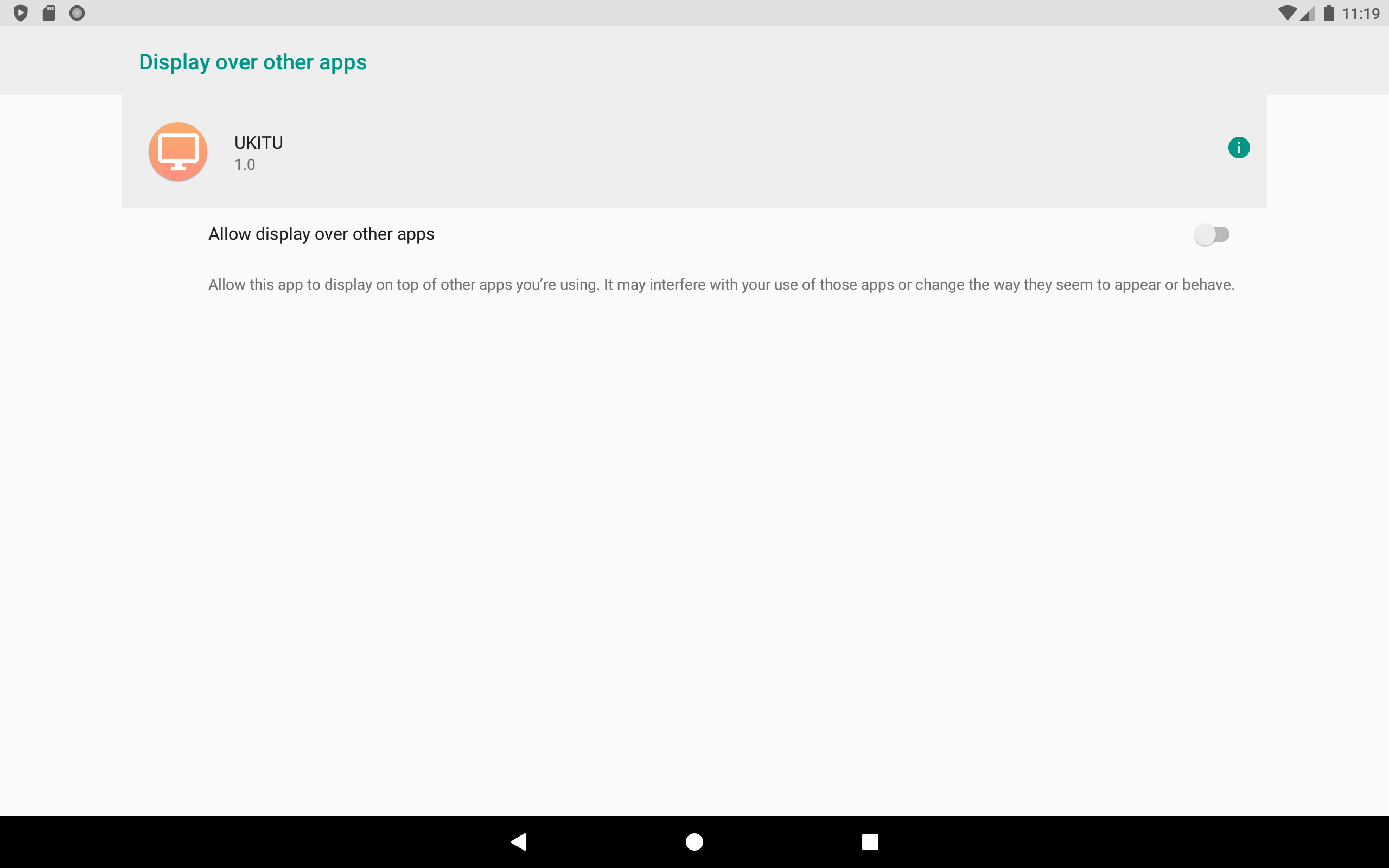
The hard part of kiosk software isn't the webview, it's everything the user must not be able to do. Android gives the user a status bar, a back button, a home button, a recents button, volume controls, a screen-off button, and app-switching, and a real kiosk app has to defeat every one of them and recover gracefully when a defeat fails. UKITU handles each with a specific technique. Status-bar pull-down is killed by injecting a transparent ViewGroup the height of the status bar into the WindowManager as a TYPE_SYSTEM_ERROR overlay whose onInterceptTouchEvent returns true, so the gesture never reaches the system. The back button is swallowed in onBackPressed unless an internal focus flag indicates a legitimate system dialog. Home and Recents are intercepted through onUserLeaveHint and onStop, which schedule an immediate AlarmManager.RTC PendingIntent to relaunch the activity. Persistent fullscreen is maintained with HIDE_NAVIGATION, IMMERSIVE_STICKY, and FULLSCREEN flags re-applied on every onWindowFocusChanged callback. A manual screen-off is undone by a BroadcastReceiver on ACTION_SCREEN_OFF that immediately re-acquires the wake lock. And the app survives reboot by registering its activity with category.HOME, so it can be set as the device launcher.
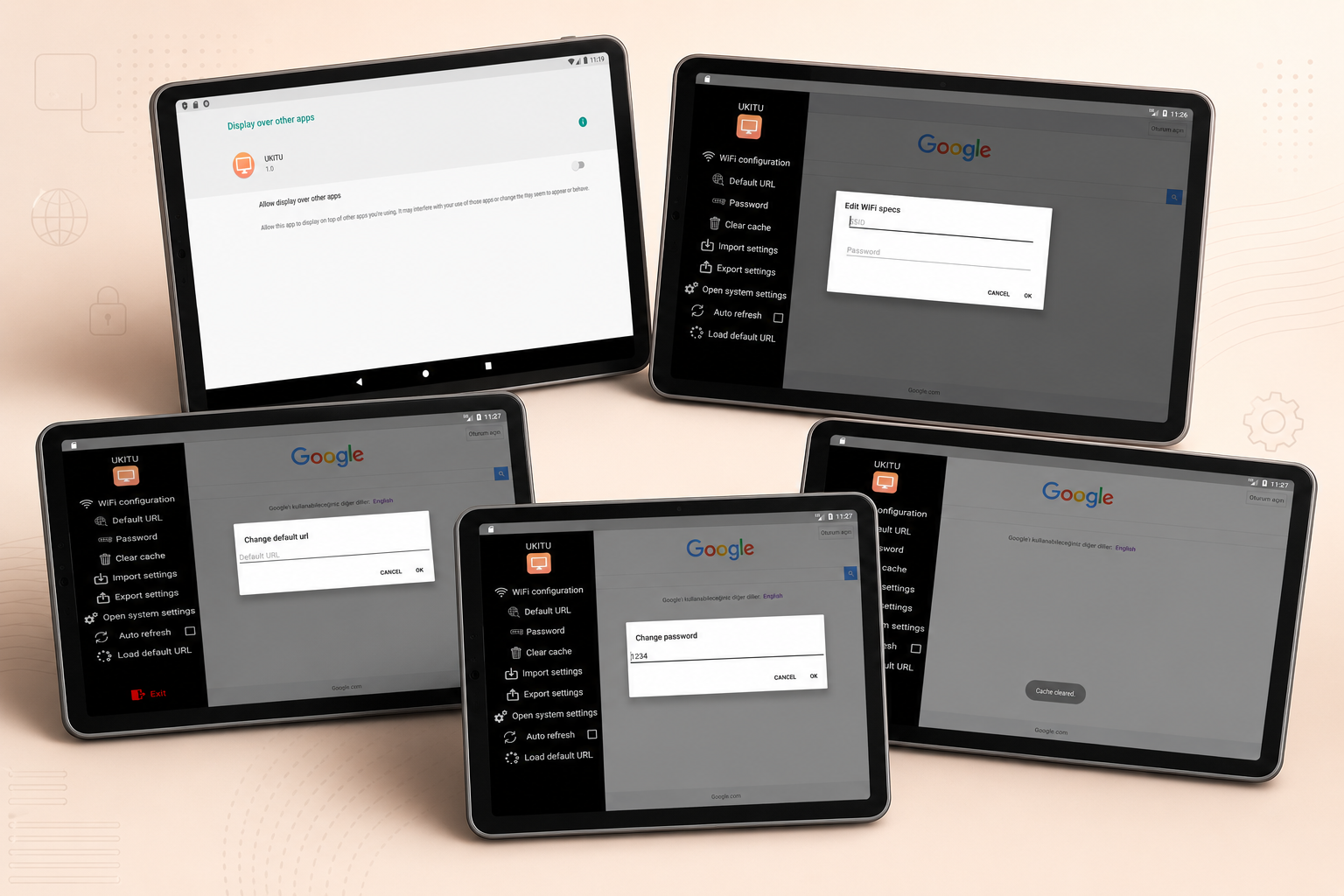
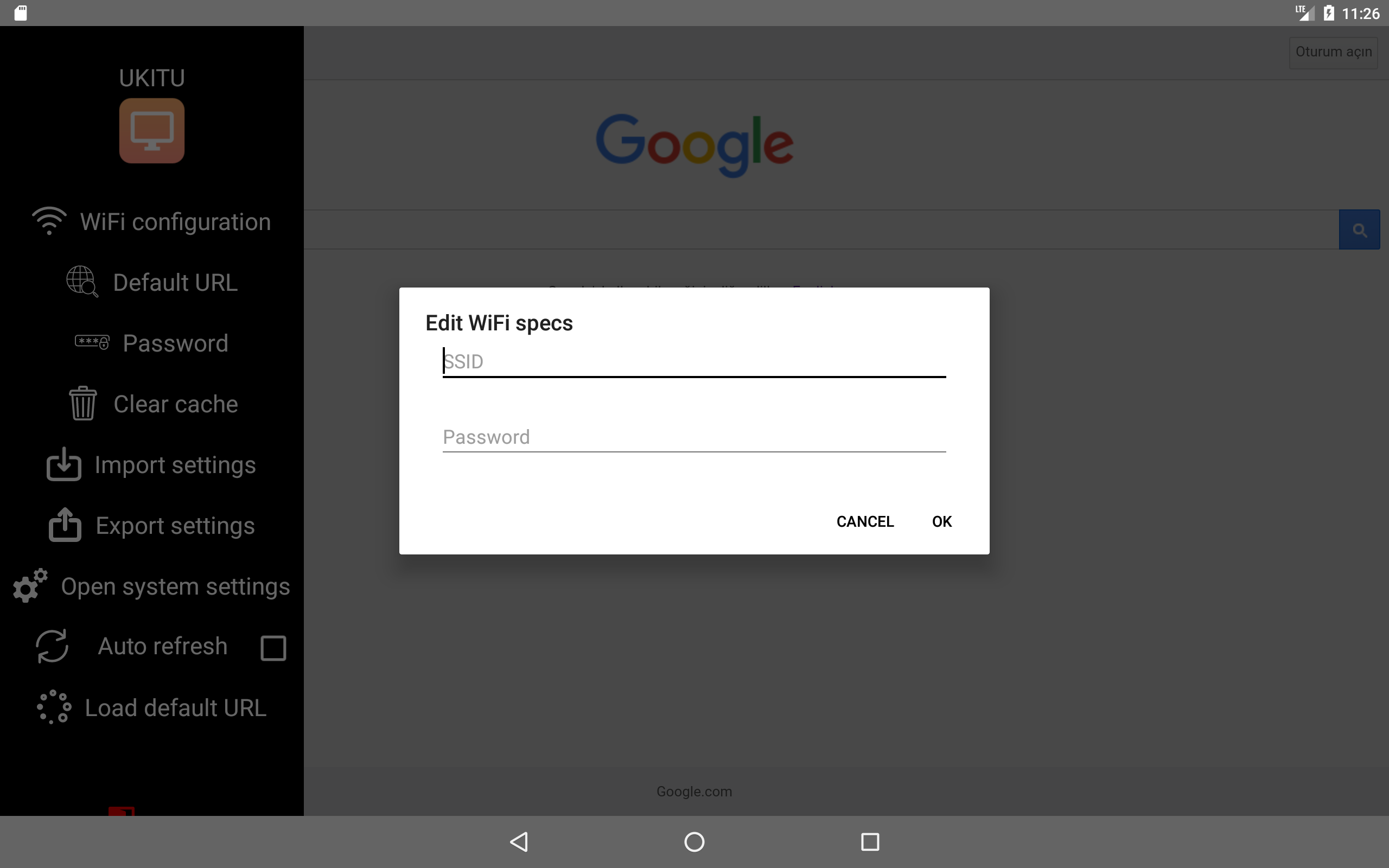
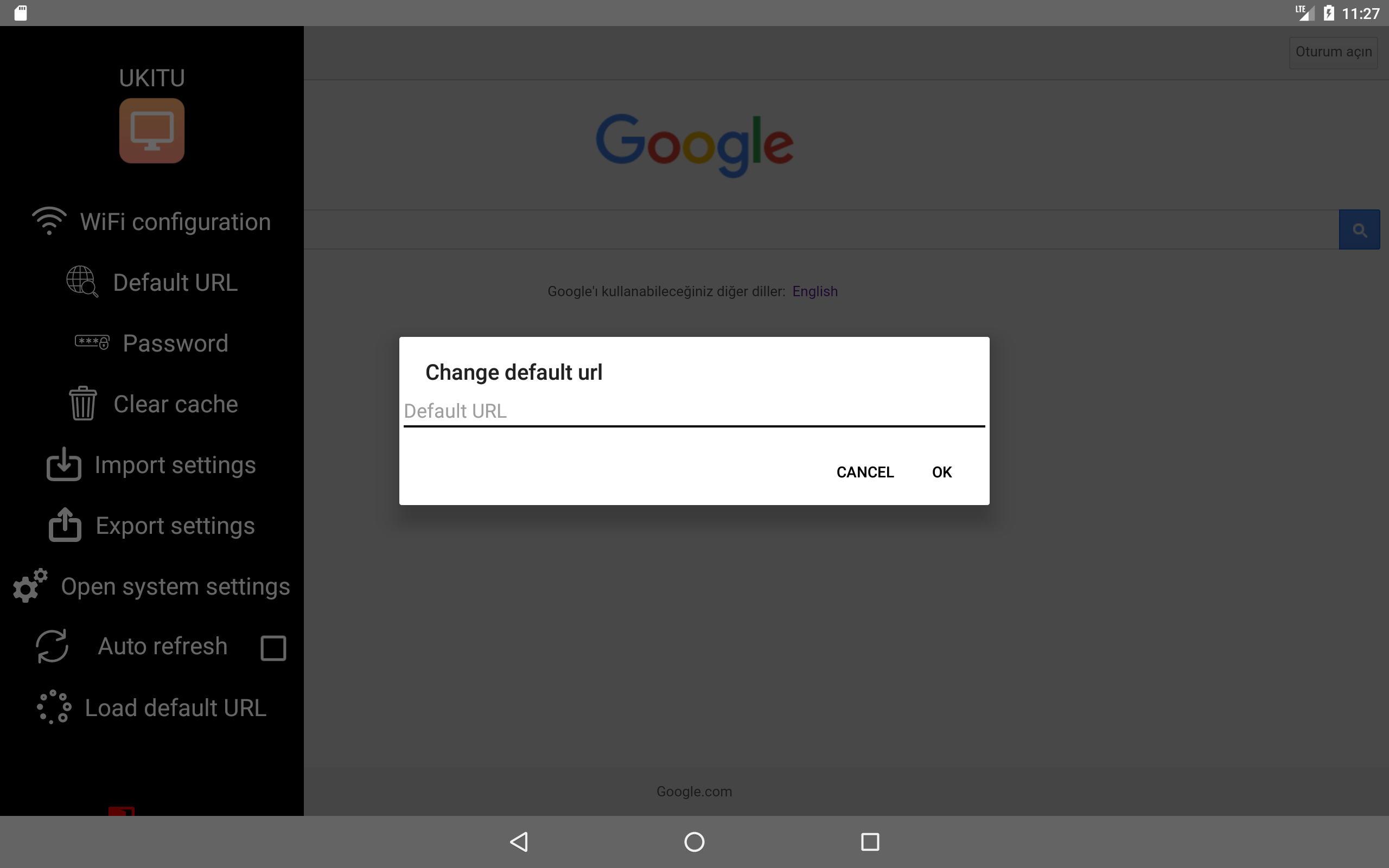
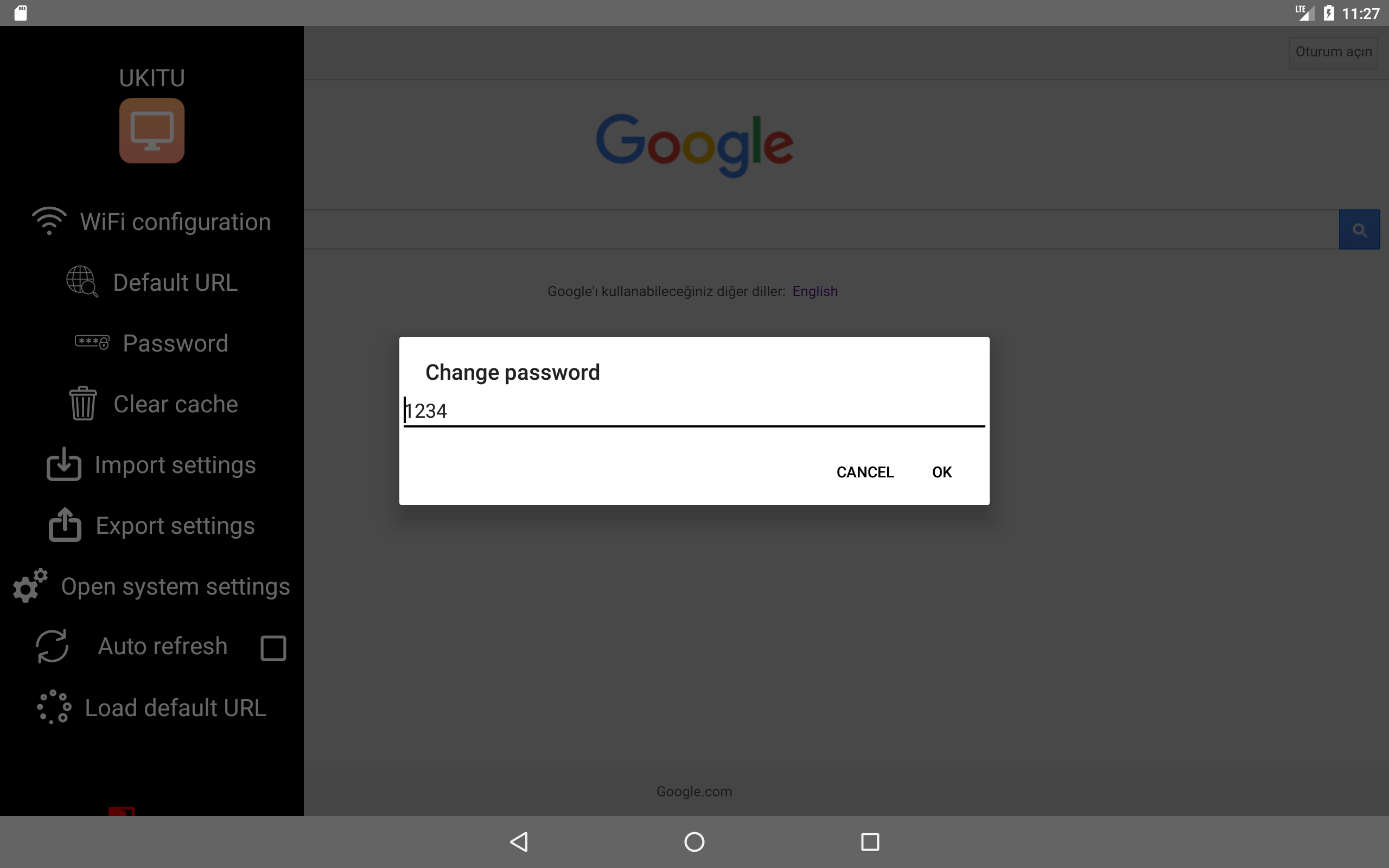
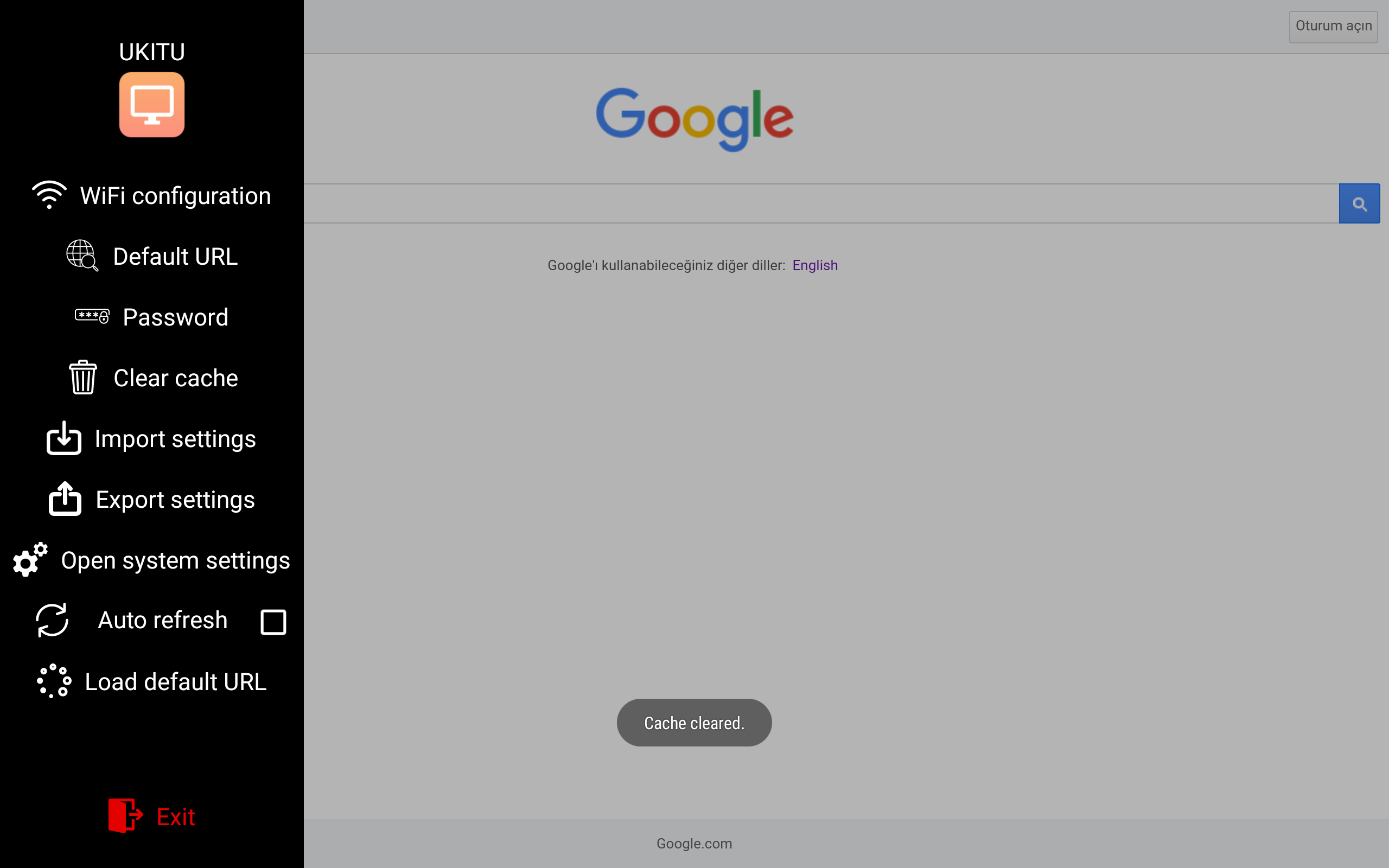
The admin side panel stays hidden until a gesture triggers a numeric password dialog. Once inside, the operator can configure SSID/PSK WiFi credentials, connected programmatically through WifiManager and WifiConfiguration, along with the default URL, the unlock password, an auto-refresh toggle, a clear-cache action, JSON settings import/export, and a shortcut into Android system settings, all without leaving the kiosk shell.
Key challenges
Defeating every Android escape route, in layers. There's no single API that locks Android down outside of Device Owner mode, so kiosk lockdown is a collection of techniques, each targeting one escape route, and each with edge cases. The status-bar overlay, the Home/Recents relaunch trick, and the screen-off wake-lock recovery each took experimentation to make reliable.
Recovering when lockdown momentarily fails. The interesting design insight is that you can't prevent every escape attempt perfectly, so the app is built to recover, if the user does briefly leave (via Home or Recents), the onStop/AlarmManager path detects it and relaunches almost instantly, making the escape effectively invisible.
Choosing the right kiosk approach for the client. This is an overlay-and-flag kiosk, not Android Device Owner mode. Device Owner is more bulletproof but requires a factory reset to install. This approach trades a small amount of robustness for being deployable on any tablet without re-provisioning. The right tradeoff for small-business clients, and a deliberate engineering decision rather than a limitation I stumbled into.