Web & mobile · 2024
Community Events App
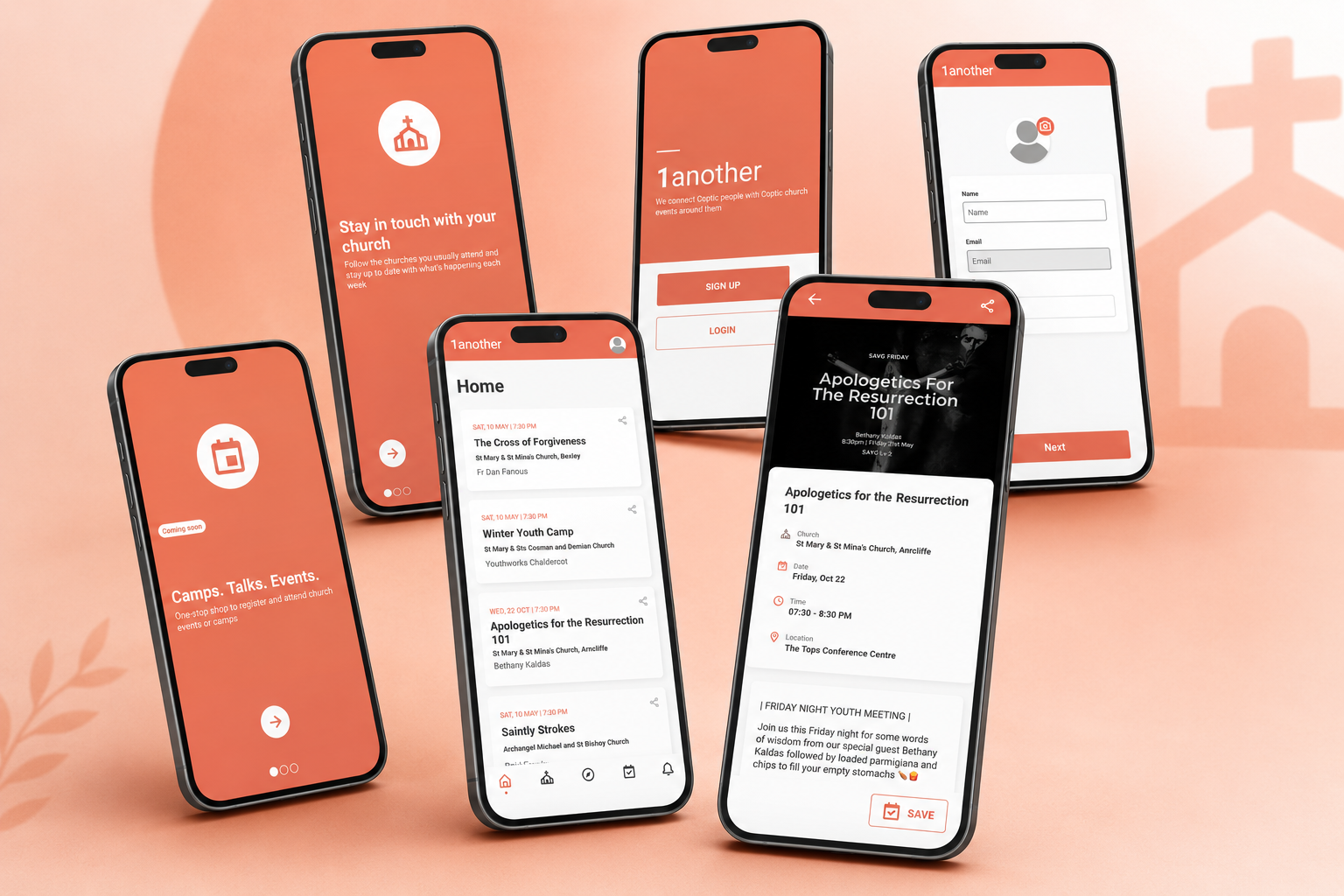
UI build of a community event-management app, implemented screen by screen from a client's Figma design.
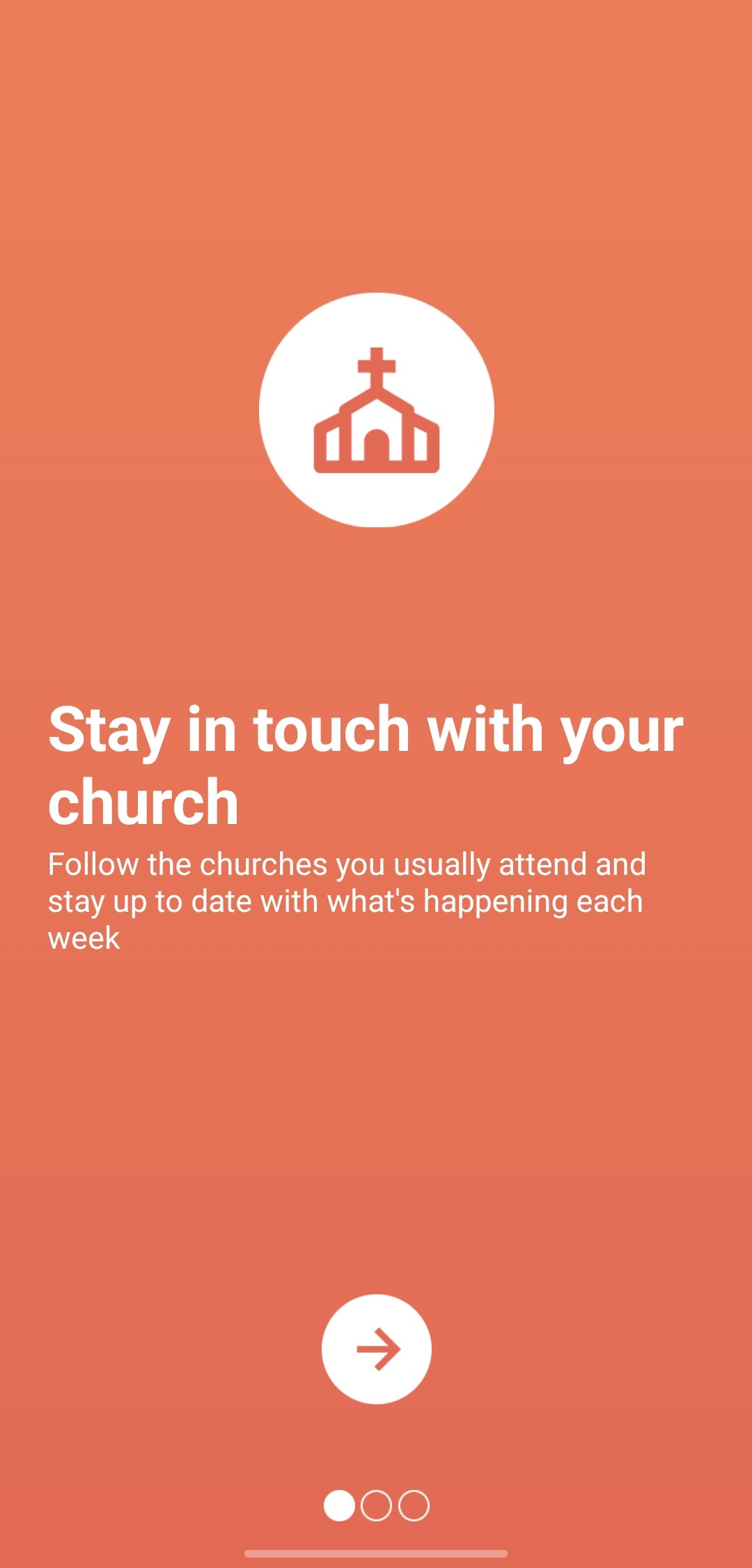
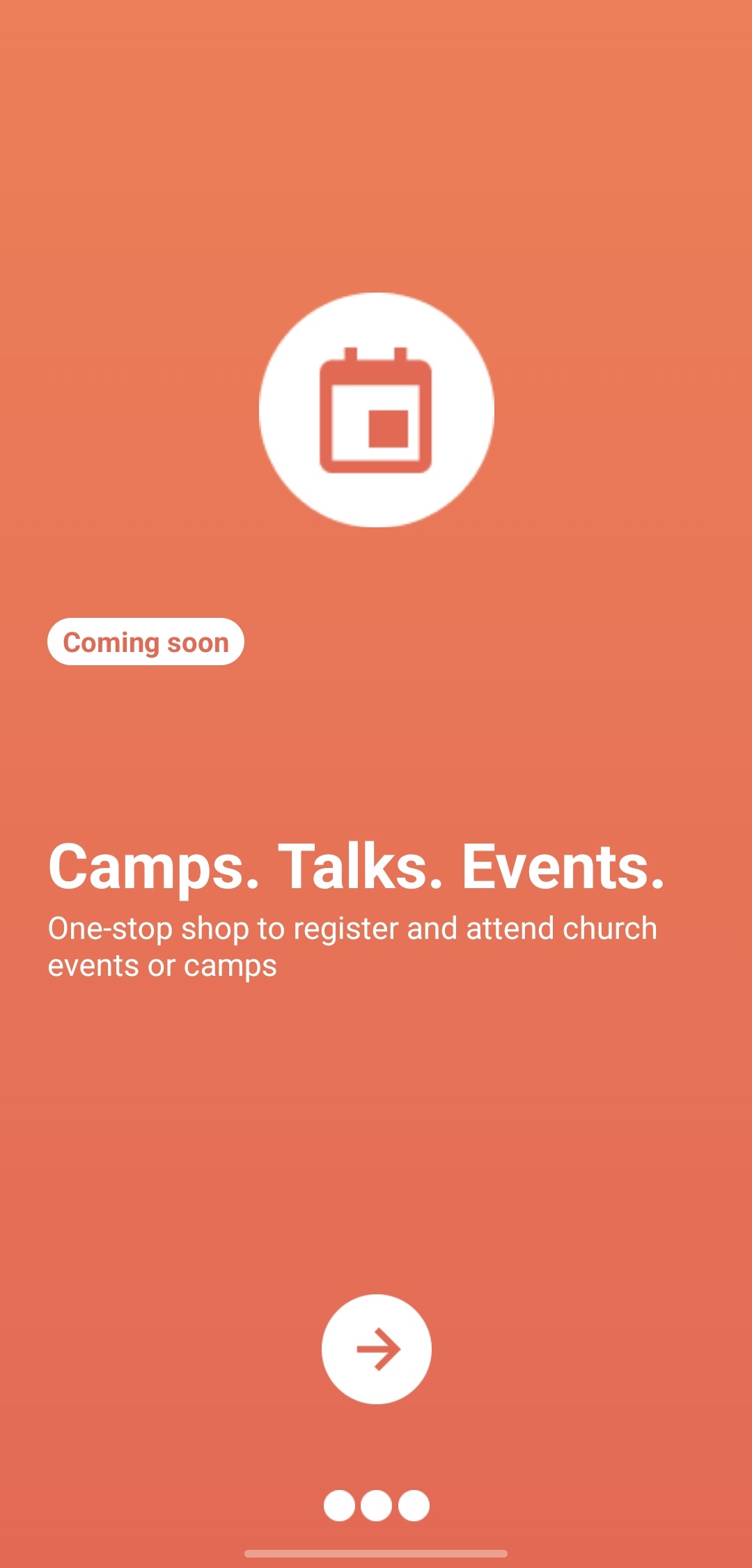
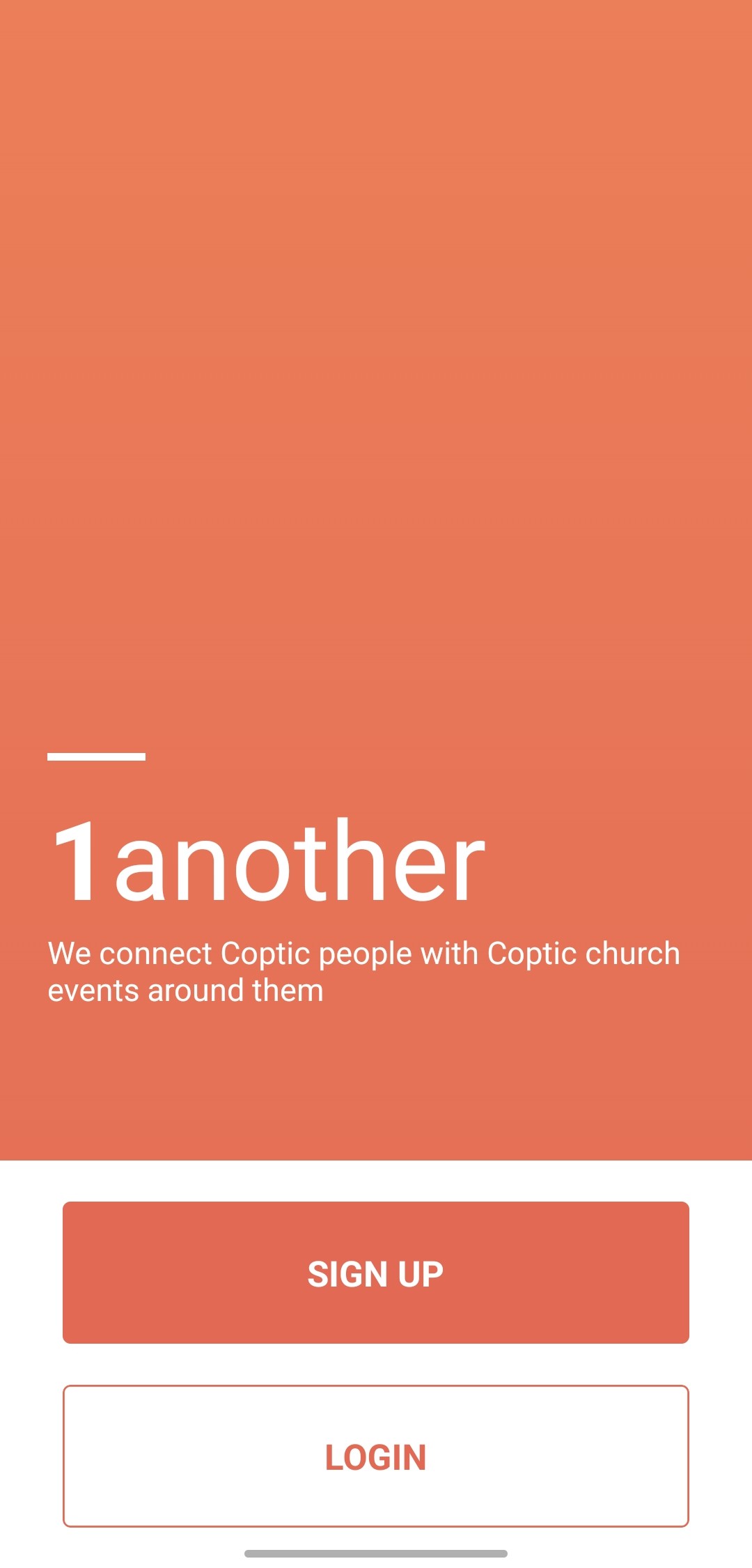
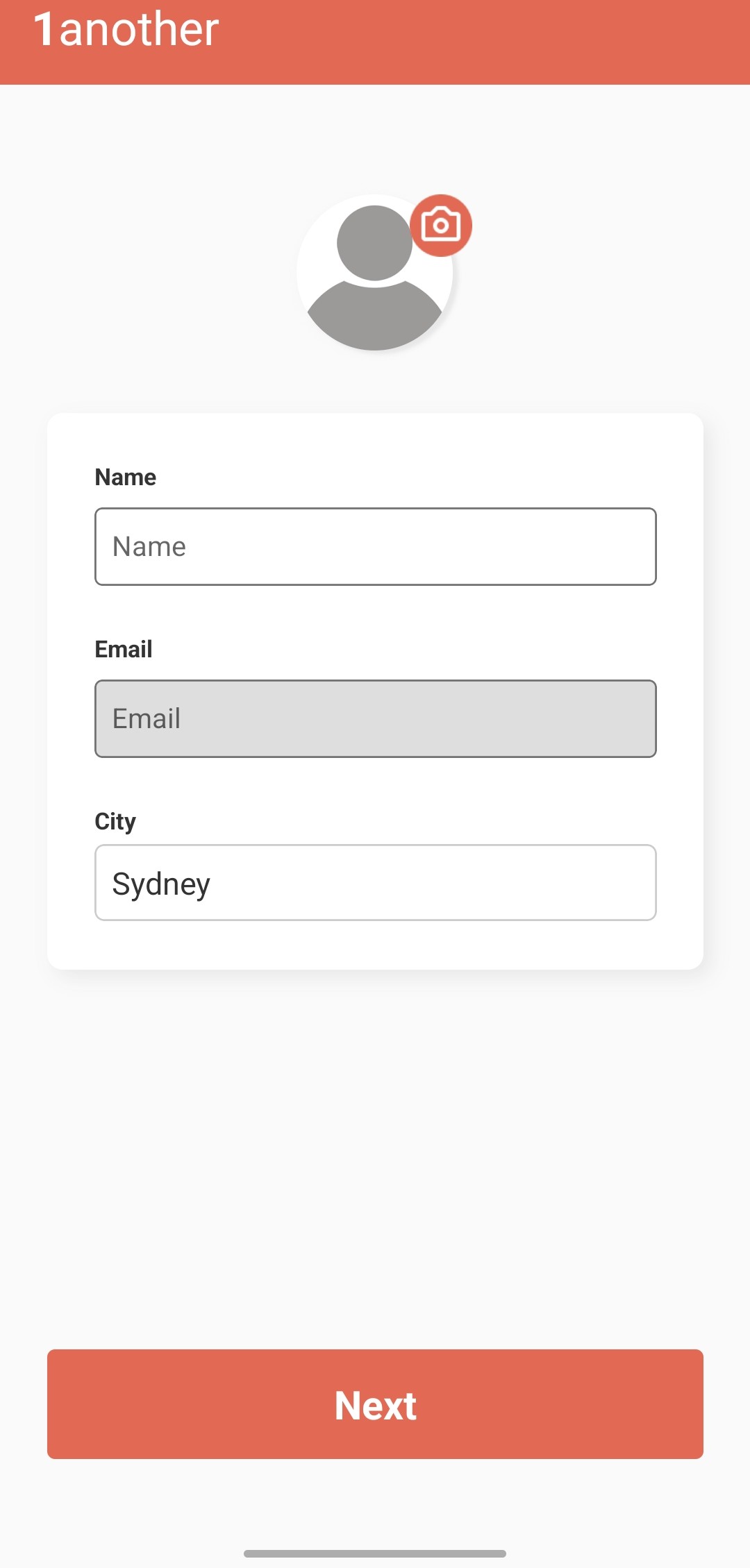
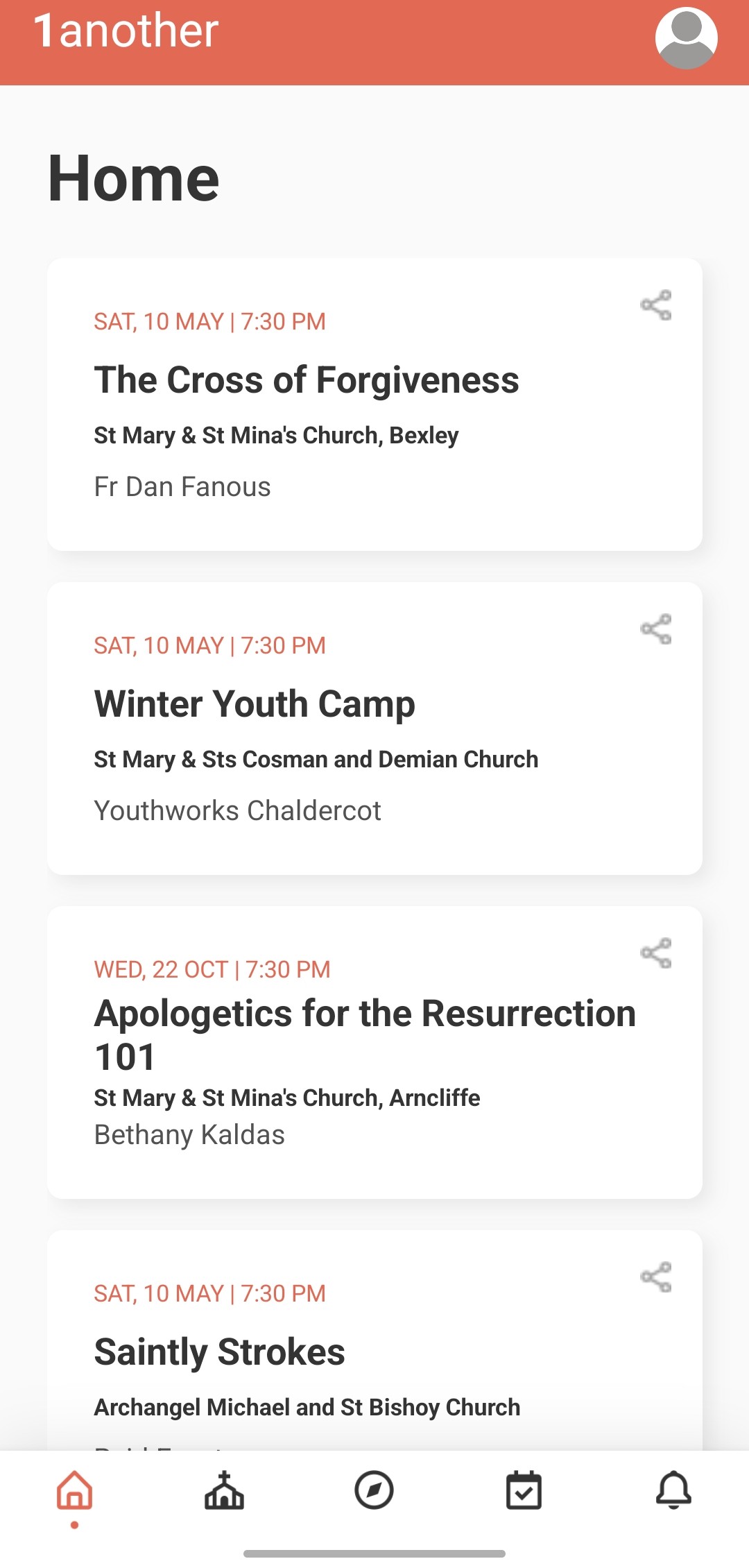
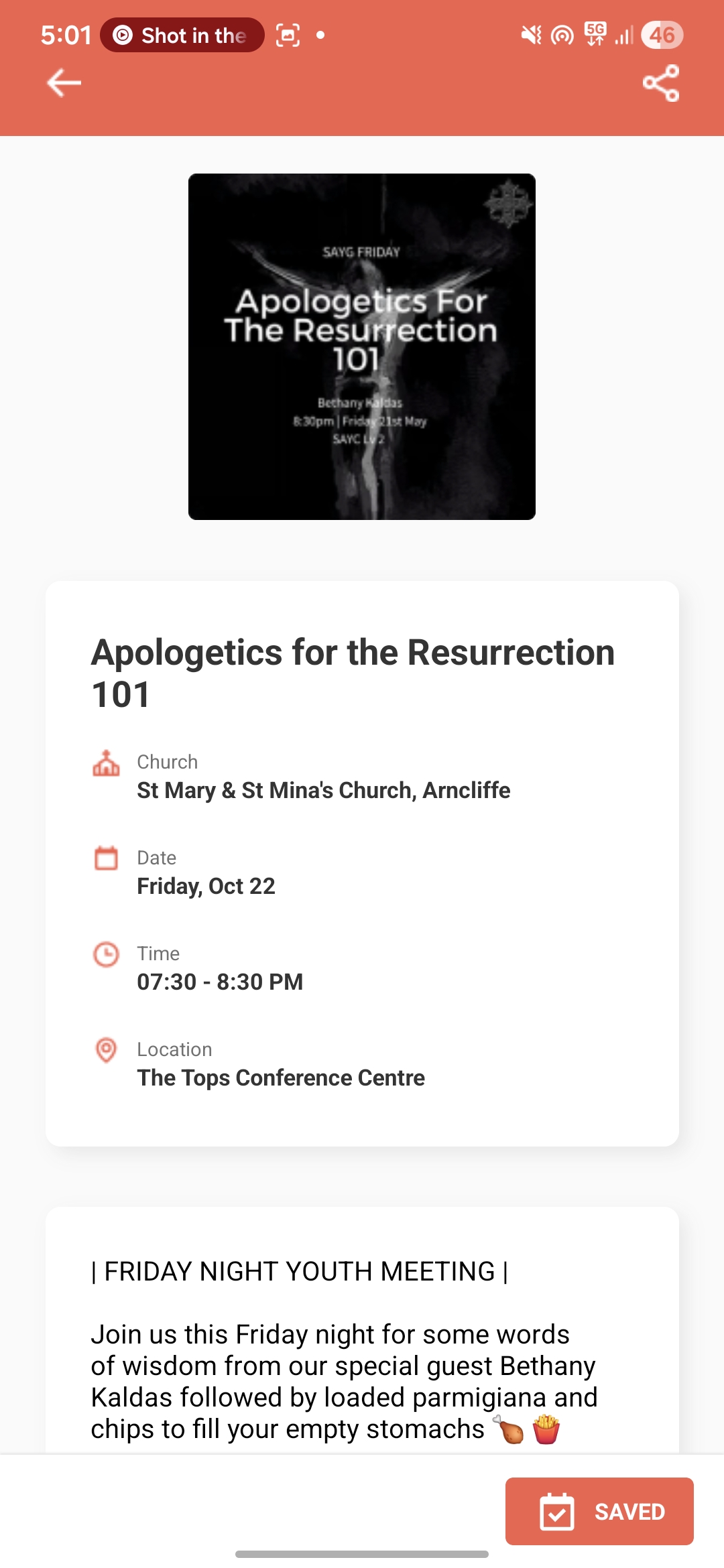
A UI-only build of a mobile app that helps members of a local community find and follow upcoming events. The client supplied a Figma design and I implemented every screen to match it: onboarding, an auth gate, profile setup, the event feed, event detail and settings, with working navigation and shared theme tokens so a brand change is a one-place edit. The scope was the interface only, with no server or data backend, so the client can connect their own later. It is a delivered UI, not a launched product.
Key challenges
Faithful translation from Figma to React Native. Pixel accuracy on a clean design is straightforward; the work is in matching spacing, typography, and component structure precisely across a full multi-screen app so the result is indistinguishable from the design rather than approximately like it.
Centralized theming for a multi-screen identity. Keeping the coral-and-cream identity consistent across every screen meant putting theme tokens in one shared module rather than hardcoding colors per screen, so the design stays maintainable and a brand change is a one-place edit.
Disciplined scope. The genuine challenge on a UI-only brief is restraint. Building exactly what was asked, cleanly handed off and ready to wire up, without drifting into backend work or design changes the client didn't request.